What Magic8 Pass does
A quick visual guide to creating a password, keeping it in an encrypted Android vault, and filling a matching form after you approve.
Fit to width · Zoom in and scroll to inspect.
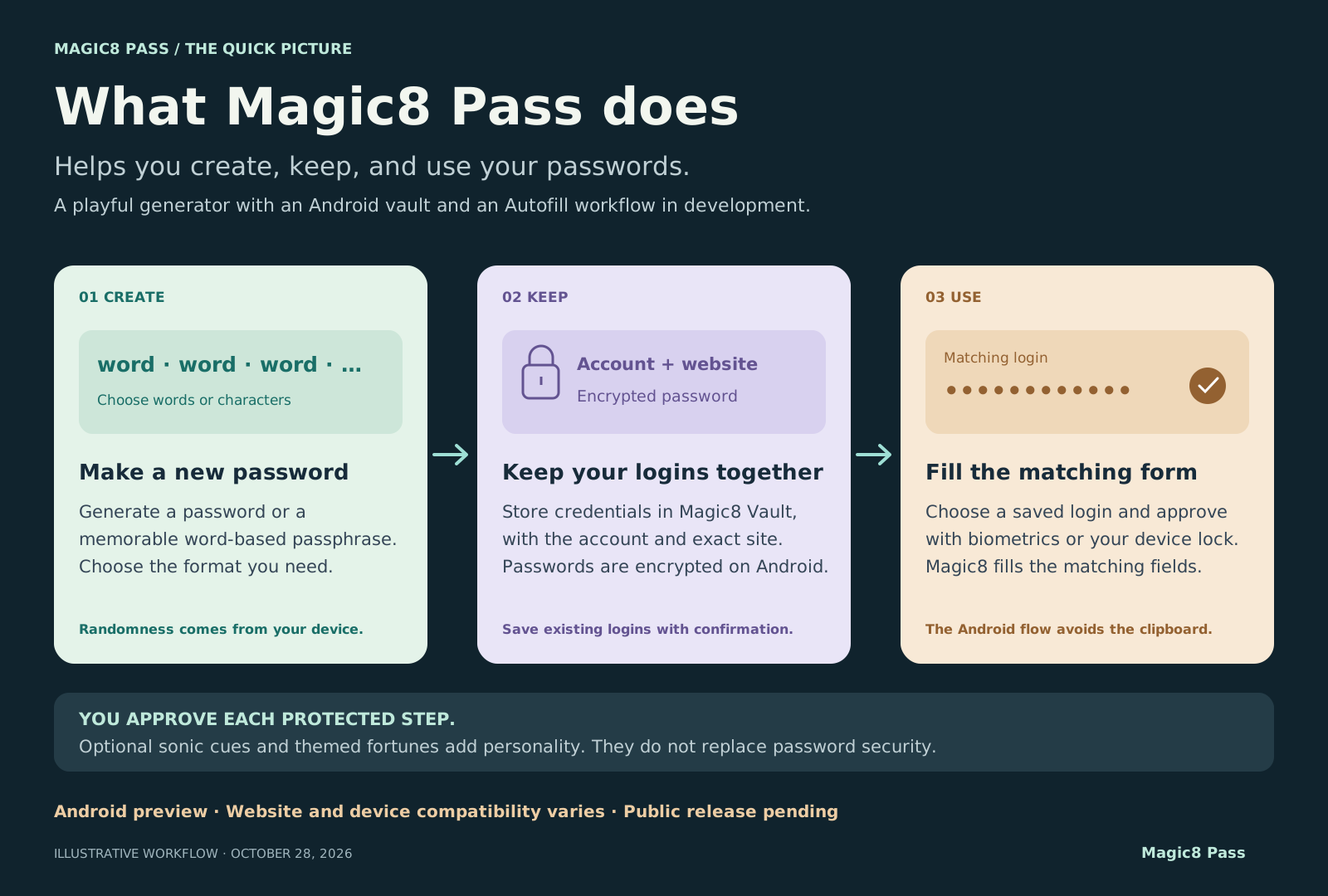
Documented preview design as of October 28, 2026. Website and device compatibility varies; public release is pending.
Read the diagrams as text
- Create locally. Choose a 6–8-word EFF passphrase or a character-based password. The app uses Web Crypto randomness; optional audio and motion supplement the preview’s local mixing. An optional eight-note sonic signature is distinct from the password and is not MFA.
- Save with approval. Save a generated credential, create a 24-character password on a recognized Android signup form, or confirm saving an existing login. Review the exact site and account, then approve using biometrics or the device lock.
- Keep it in Magic8 Vault. Passwords are encrypted with AES-256-GCM using a key held by Android Keystore. Each record associates the account with its exact web domain or app package. The native workflow has no password copy, reveal, or external-vault export.
- Use a matching login. Android supplies the form target. Magic8 offers matching records, asks for device authentication, and releases the selected password into eligible fields. Recognized new-password and confirmation fields can be filled together. Firefox may require selecting “Fill prepared password” after approval.
- Optional online personality. A themed fortune sends only the entered theme to the fortune service. Password generation and vault credentials are separate from that request.
- Understand the preview. Automatic email capture and device/site compatibility remain limited. Passkeys and service-issued TOTP import are future work. Protected release signing, further device checks, and independent review remain part of the release path.